|
Samba AD DC - Client's Settings
2014/04/26 |
|
Join in Samba AD DC from Clients.
This example shows to configure Windows Server 2012 R2. |
|
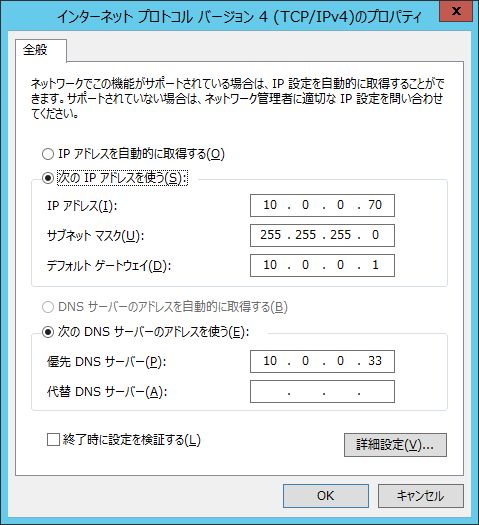
| [1] | Change DNS settings to refer to Samba AD DC. |
|
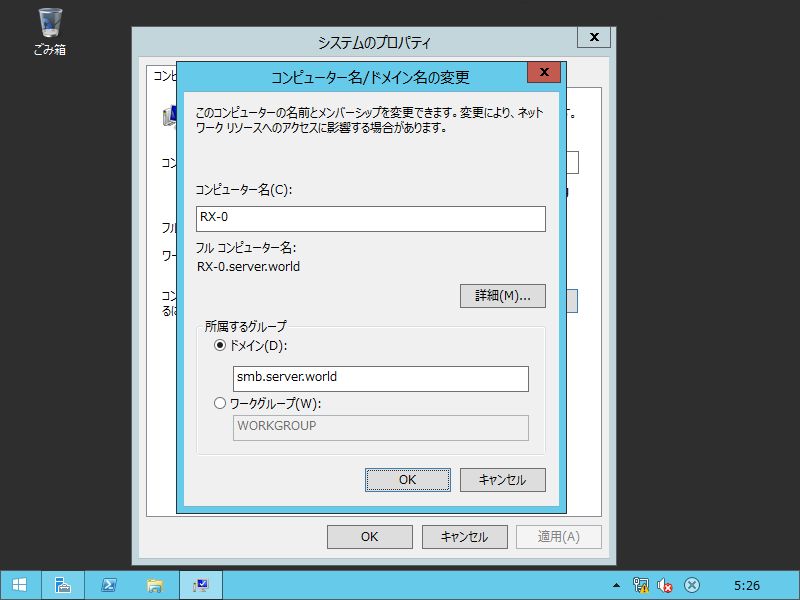
| [2] | Open system's property and specify Samba AD DC hostname in Join Group. |
|
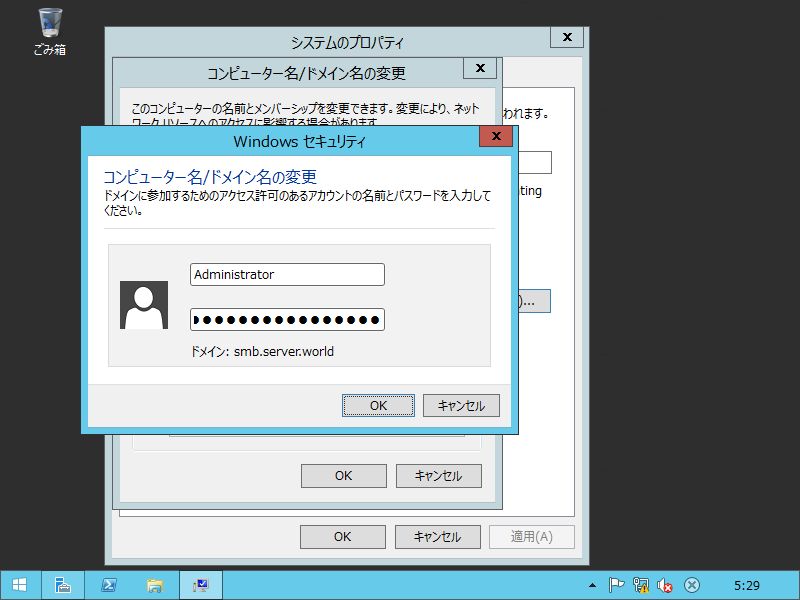
| [3] | Authenticate with Administrator user. The password is just the one you set in Samba AD DC configuration. |
|
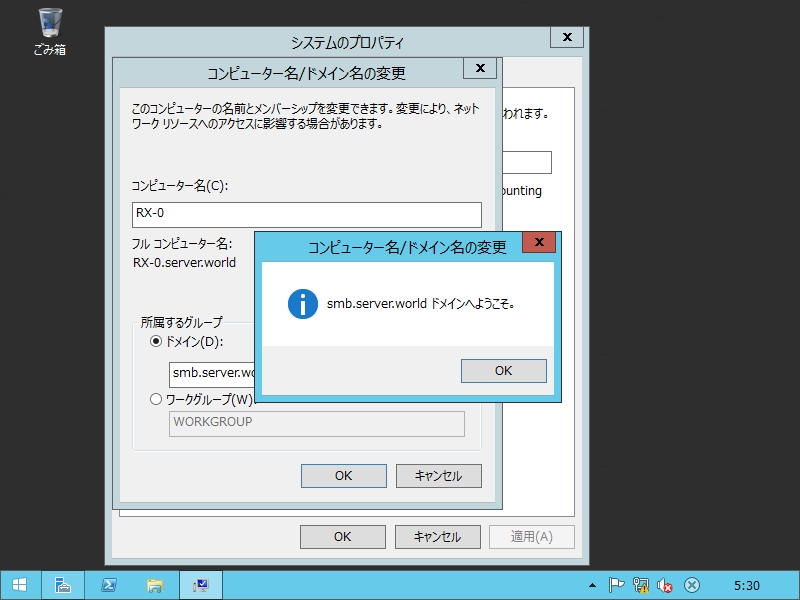
| [4] | After authentication, it can join AD Doman. Next, Restart computer once. |
|
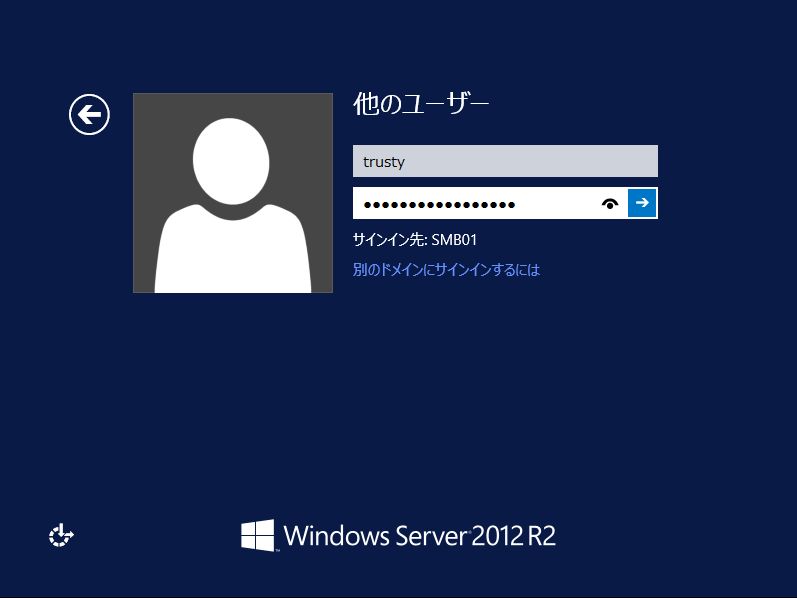
| [5] | It's possible to logon with the Administrator or users added in Samba AD DC. |
|
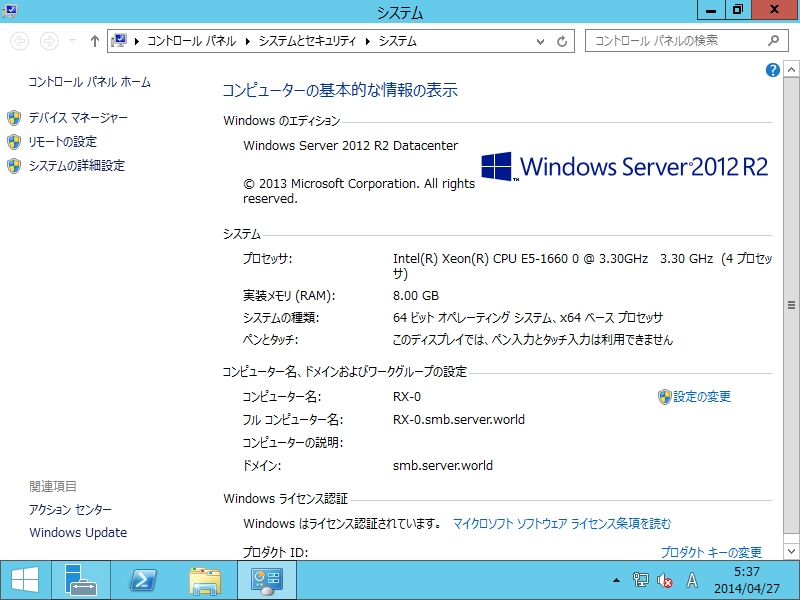
| [6] | Just logon to Samba Active Directory. |
|